
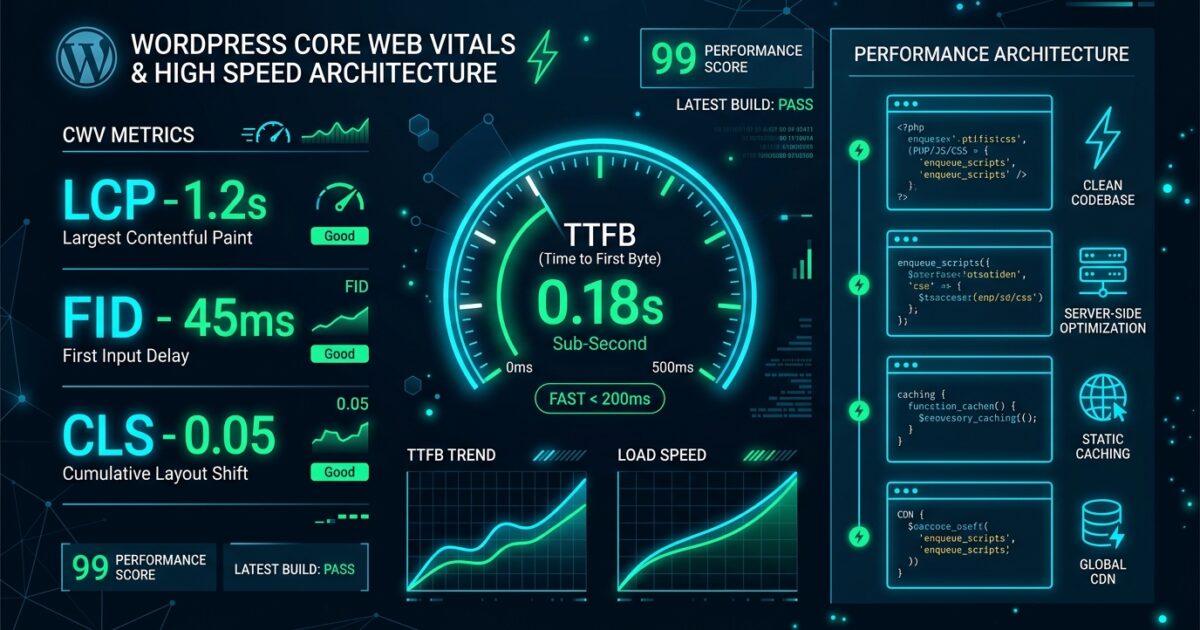
Achieving sub-500ms TTFB (Time to First Byte) and passing Google Core Web Vitals (LCP < 1.2s, INP < 50ms, CLS = 0) on WordPress requires an architectural approach rather than piling on 15 different optimization plugins.
1. The Core Bottlenecks in WordPress Performance
Most slow WordPress installations suffer from three fundamental bottlenecks:
- Uncached Dynamic PHP Executions: Each visitor request boots the entire WordPress core, loads all active plugins, and runs 40-120 database queries.
- Bloated Autoloaded Options: The
wp_optionstable accumulating expired transients, orphaned plugin configs, and multi-megabyte autoload payloads. - Render-Blocking Assets & DOM Bloat: Massive page builders injecting 2,500+ DOM nodes and 400KB of unused JavaScript/CSS.
⚡ Golden Rule: The fastest database query is the query that never executes. The fastest HTTP asset is the asset that was never requested.
2. The Sub-500ms Architecture Blueprint
To scale WordPress to millions of monthly hits with zero performance degradation, implement this 4-tier layer:
| Optimization Tier | Recommended Technology | Expected TTFB Impact |
|---|---|---|
| Edge / DNS Layer | Cloudflare Enterprise / Early Hints + HTTP/3 | -50ms DNS & TLS handshake |
| Page Cache Layer | LiteSpeed Enterprise LSCache / Nginx FastCGI Cache | < 80ms TTFB on HTML hits |
| Database Object Cache | Redis Object Cache Pro (In-Memory RAM) | -90% DB query execution time |
| Front-End Theme Layer | TipWP Core (Zero jQuery / Vanilla JS) | INP < 30ms, CLS = 0.00 |
3. Database Tuning & Autoload Optimization
Check the total size of your autoloaded options with this direct SQL query in phpMyAdmin or WP-CLI:
SQL wp_options Autoload Size
If your autoloaded options exceed 800 KiB, identify and prune bloated plugin transients and legacy settings to bring it under 400 KiB.