
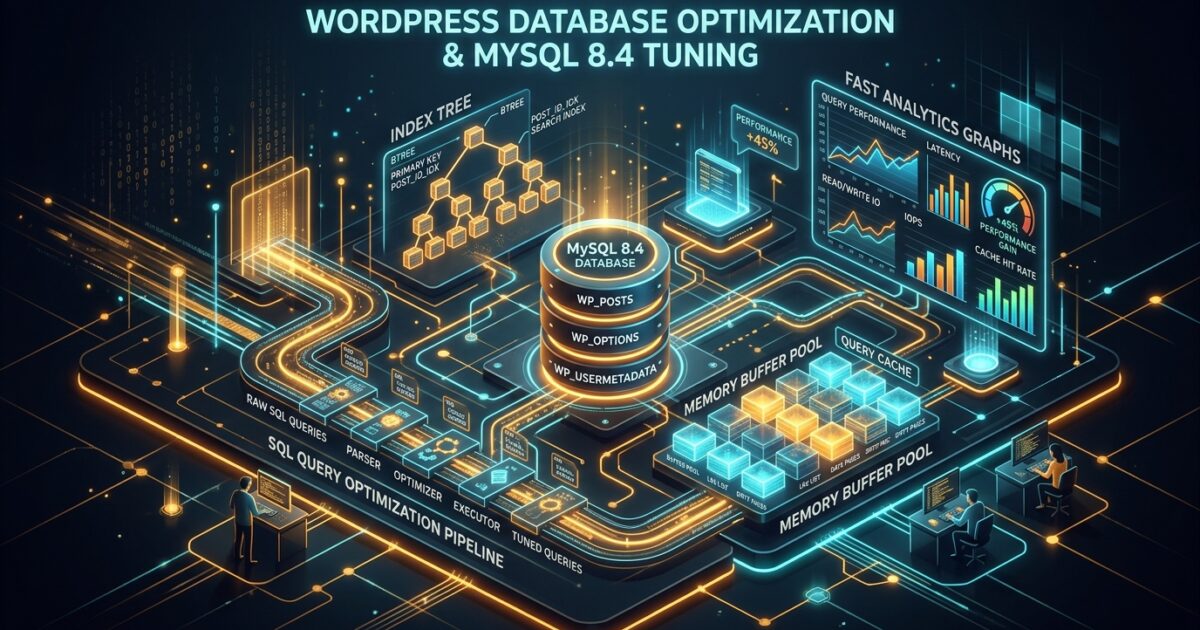
As WordPress sites scale beyond 100,000 posts, millions of metadata records, or high-volume WooCommerce transactions, the database origin rapidly becomes the primary latency bottleneck. Even the fastest global edge CDN cannot rescue an unindexed SQL query that locks tables during checkout or admin search. Here is the definitive production engineering guide to scaling MySQL 8.4 for high-concurrency WordPress installations.
1. Eliminating wp_options Autoload Bloat
On every single uncached page request, WordPress executes a single foundational query to fetch all options where autoload = 'yes' (or 'on' in WP 6.6+):
If poorly coded plugins store transient caches, debug logs, abandoned cart sessions, or massive serialized arrays in wp_options, this single query can load 5MB–30MB of data into PHP memory on every execution, causing severe memory spikes and TTFB degradation.
Diagnostic Query: Find Top Autoload Offenders
Target Threshold: Your total autoload size should remain strictly under 800 KB (ideally under 300 KB). Check your overall autoload size with:
To safely deactivate autoload on non-critical large options (like inactive plugin caches or third-party log records), execute:
2. Supercharging wp_postmeta with Composite Indexes
By default, WordPress indexes post_id and meta_key individually. However, real-world queries filter by meta_key and meta_value simultaneously (e.g. WooCommerce SKU lookups, product stock statuses, or custom post type filters). This leads to massive full-table scans across millions of rows.
Adding the High-Performance Composite Indexes
This single optimization frequently reduces complex WooCommerce faceted filter queries from 1.8s down to 8ms, instantly resolving high database CPU load during flash sales.
3. MySQL 8.4 my.cnf Production Tuning Configuration
For dedicated VPS instances with 8GB to 16GB RAM, apply the following battle-tested InnoDB parameters in /etc/mysql/conf.d/wordpress-optimized.cnf:
4. Automated Database Hygiene Cron Routine
Never let orphaned post revisions, auto-drafts, spam comments, and expired transient garbage accumulate in your production tables. Set up an automated WP-CLI cron script that executes every Sunday at 3:00 AM:
5. Troubleshooting Query Locks with EXPLAIN
Whenever an admin page or search endpoint feels sluggish, prefix the suspect query with EXPLAIN in MySQL Workbench or PHPMyAdmin. If the type column shows ALL, MySQL is performing an exhaustive full-table scan. Ensure the columns in your WHERE, JOIN, and ORDER BY clauses are covered by an index.
Need custom database prefix generation or transient cache managers? Try our free DB Prefix Generator and Transient Cache Generator.