
- Disable file editing inside the WordPress admin dashboard using
DISALLOW_FILE_EDIT. - Block execution of PHP scripts in uploads and plugin cache directories via server rules.
- Disable XML-RPC and author enumeration scans (
?author=1) to prevent brute-force attacks. - Enforce HTTP Strict Transport Security (HSTS) and modern Permissions-Policy headers.
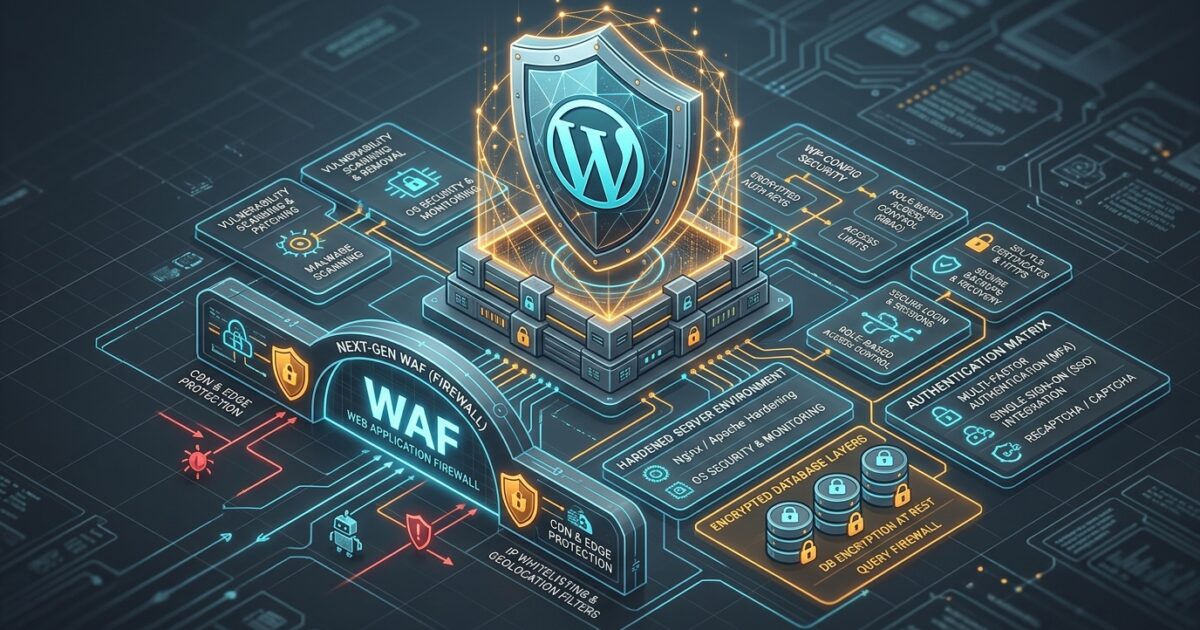
In modern cybersecurity, the Zero-Trust architecture assumes that perimeter defenses can be breached and that every layer—from file system permissions to REST API endpoints—must independently authenticate, validate, and restrict access. This production hardening checklist provides the exact technical steps required to secure WordPress against automated bots, supply-chain vulnerabilities, and privilege escalations.
1. Core wp-config.php Hardening Constants
The first line of defense is securing the WordPress configuration file. Adding these constants to your wp-config.php immediately closes common attacker vectors:
2. Blocking PHP Execution in /wp-content/uploads/
Over 80% of successful WordPress malware intrusions involve an attacker uploading a hidden .php backdoor into the uploads directory. Since the media library should only ever serve static images, PDF, and video files, you must block direct PHP execution at the web server layer:
For Apache / LiteSpeed (.htaccess inside /wp-content/uploads/):
For Nginx (Inside server block):
3. Restricting REST API Exposure & Author Enumeration
By default, WordPress publicly exposes user logins at /wp-json/wp/v2/users and via author archive scans (example.com/?author=1). This gives attackers exact usernames to target with brute-force attacks. Add this snippet to your child theme’s functions.php:
4. Production Security Headers & Content Security Policy
Ensure your server enforces cryptographic transport security and prevents clickjacking with these HTTP headers:
| Header Directive | Recommended Value | Protection Mechanism |
|---|---|---|
Strict-Transport-Security |
max-age=31536000; includeSubDomains; preload | Enforces SSL/TLS connection integrity |
X-Frame-Options |
SAMEORIGIN | Prevents iframe clickjacking attacks |
X-Content-Type-Options |
nosniff | Stops browser MIME sniffing exploits |
Referrer-Policy |
strict-origin-when-cross-origin | Protects sensitive URL query parameters |